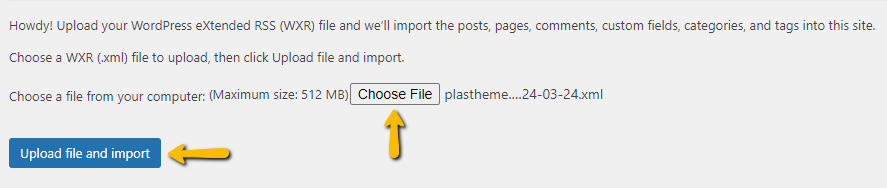
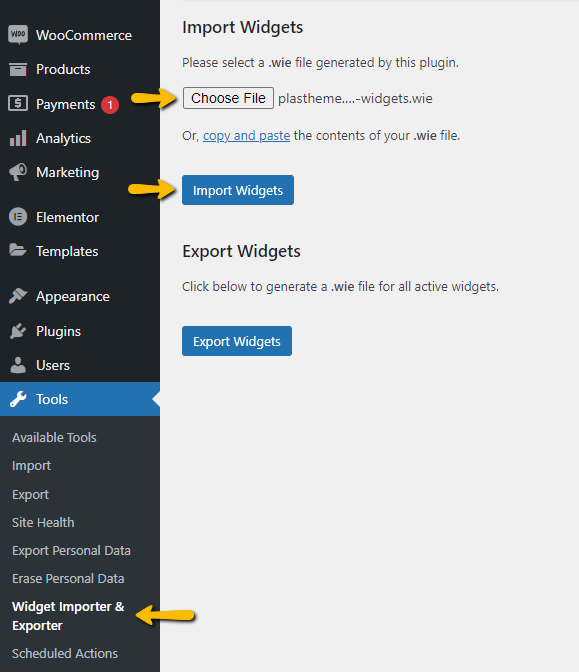
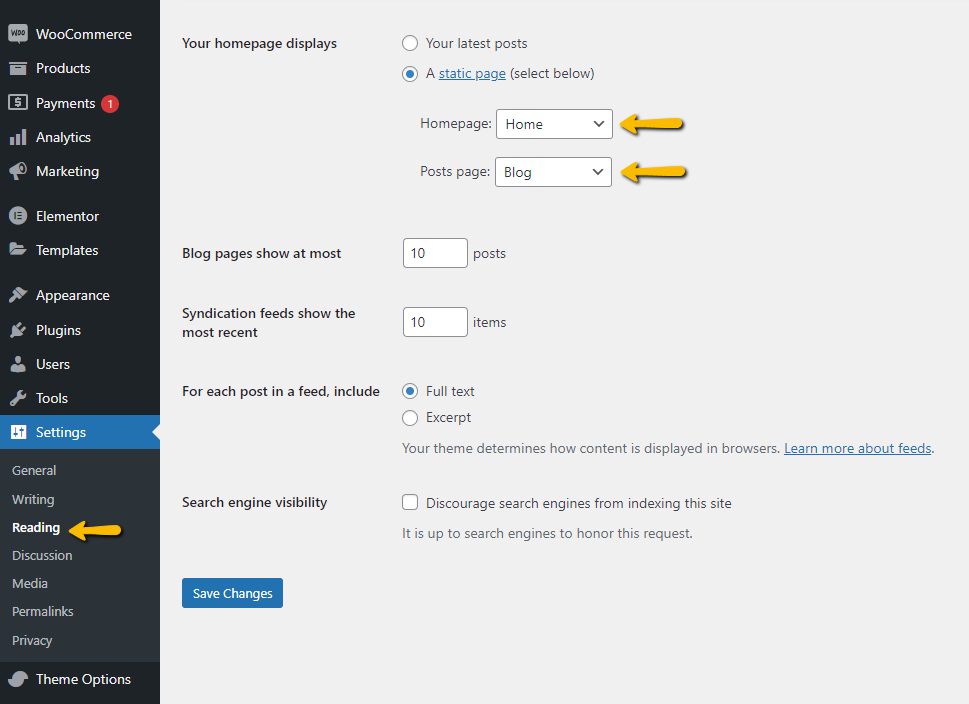
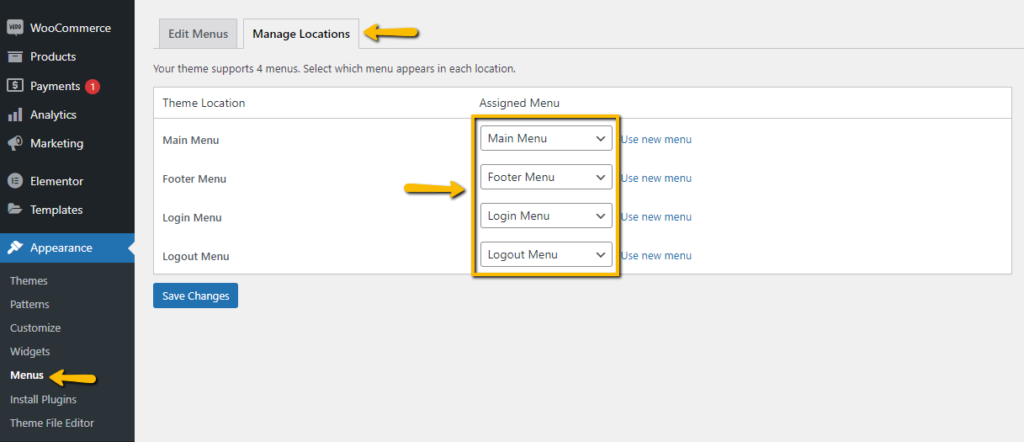
This is the simplest method to install the theme demo, you only require:
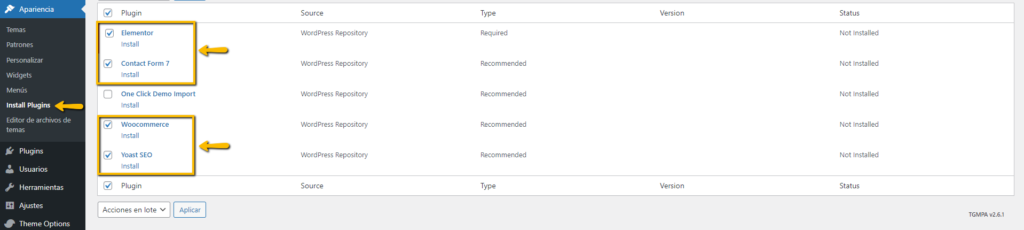
Step 1: Install the plugin One Click Demo Import from the list of required plugins.
Step 2: Make sure to install the rest of the required plugins so that the demo is applied correctly.
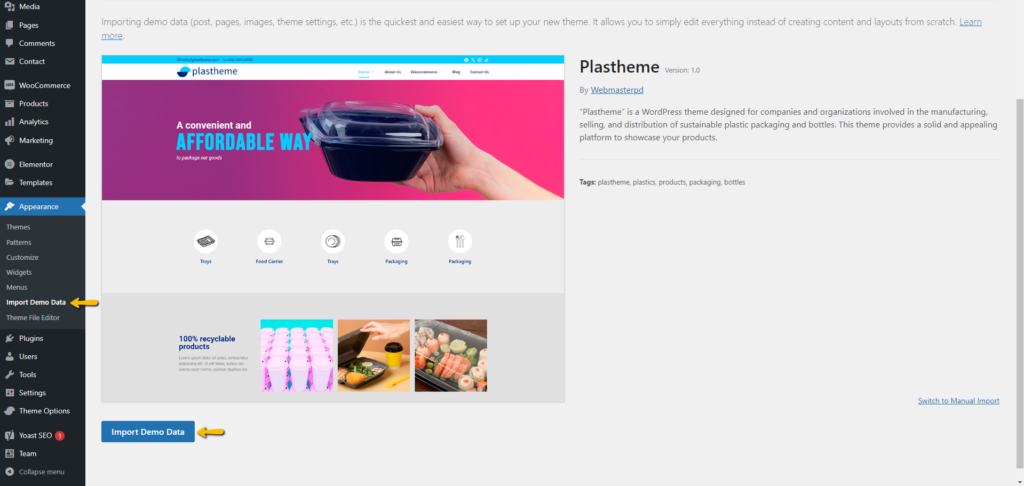
Step 3: Go to Appearance > Import Demo Data and click on the Import Demo Data button
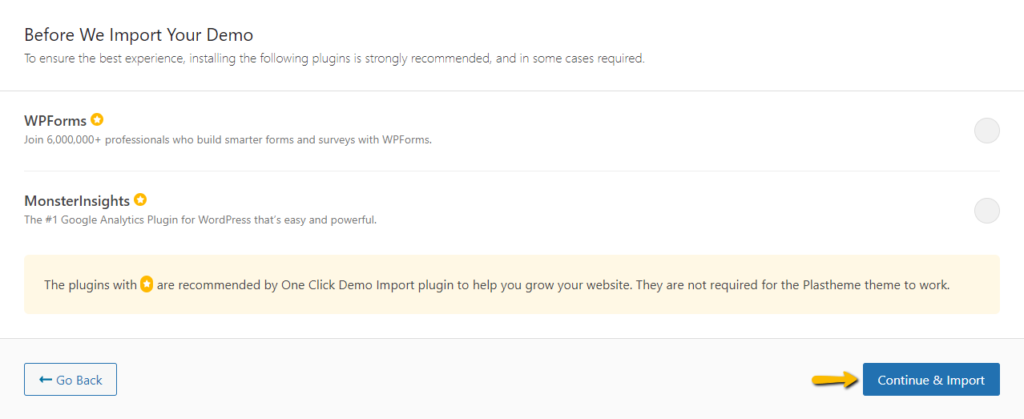
Step 4: Click on the Continue & Import button and that’s it, just wait for all the information on the theme demo to download.